GP-HUB
Connect GP5/50 to chocolate using CYD esp32
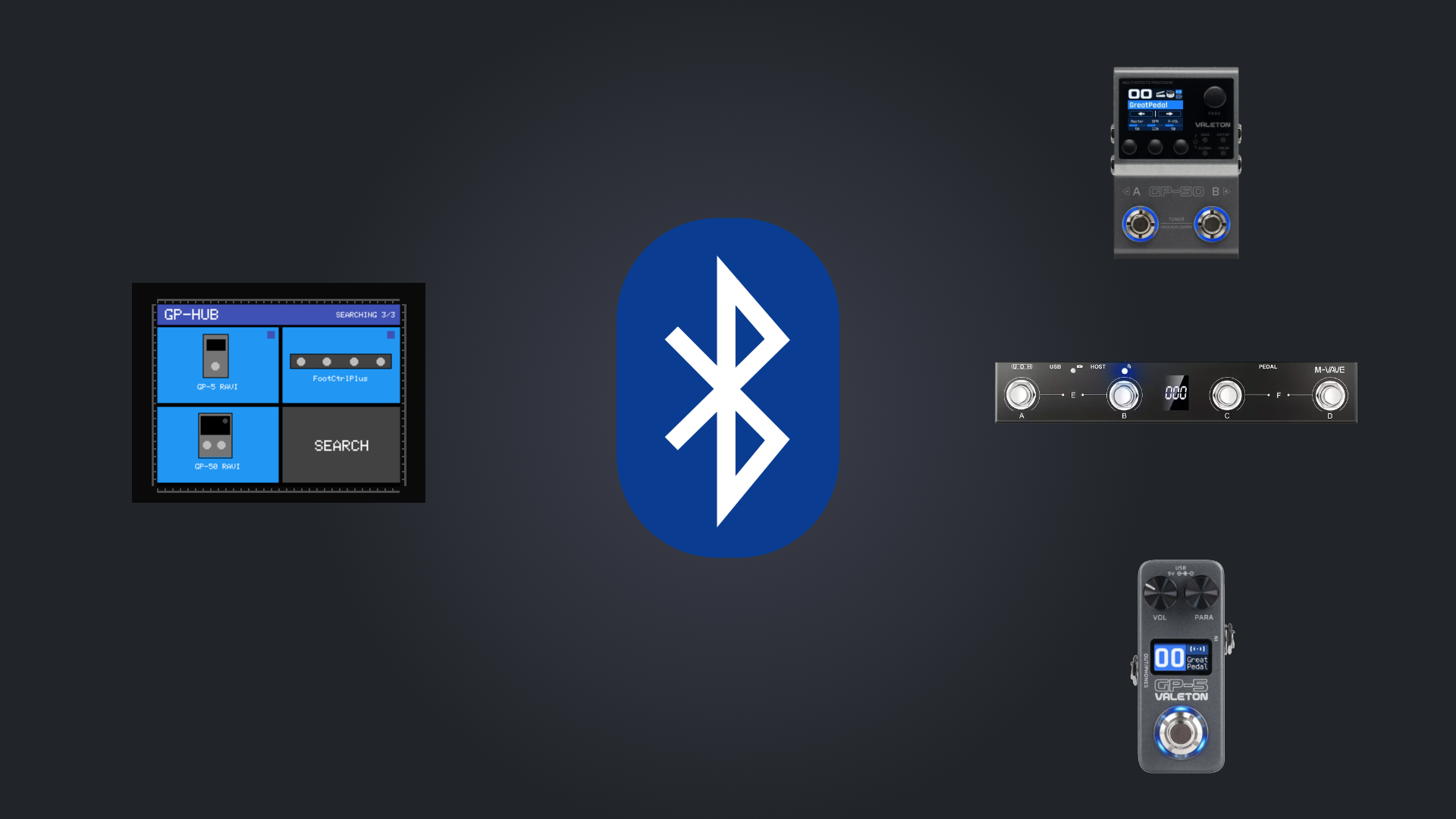
Before you start:
- This project uses the CYD ESP32-2432S028R (It have a USB C and mini connectors). It should work in other CYD too, let me know if you tested with another board.
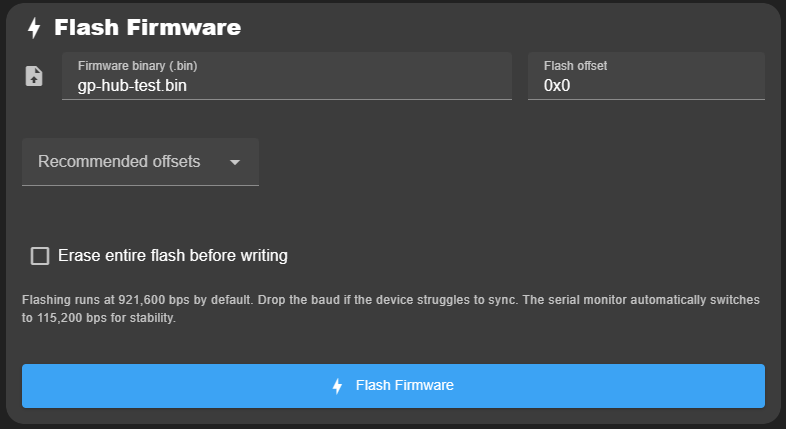
2 - Flash the firmware
Flash the firmware , you can use online tools like ESPConnect to do it online.
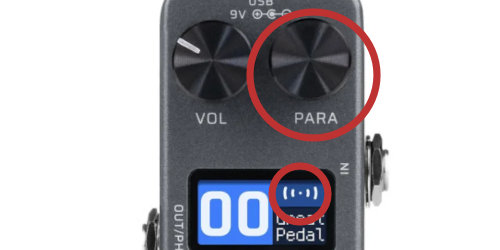
3 - Enable bluetooth on your pedals
Enable bt on the choco or pedal.
4 - Search for pedals
At start the hub search 10 seconds for pedals, to search again, press the SEARCH button.
5 - Connect to the pedal app
To connect to the app the hub mimics the first pedal (not chocolate) and broadcast itself as if it were the pedal. To enable this just press the App button and search the pedal in your app.